We offer product training courses and guides to give you the skills and knowledge you need to operate your clinical laboratory instruments.
See all product training courses and guides ›
Choose your country/region and language
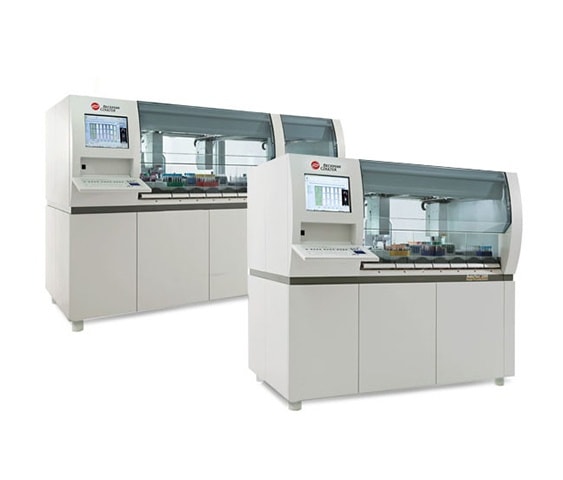
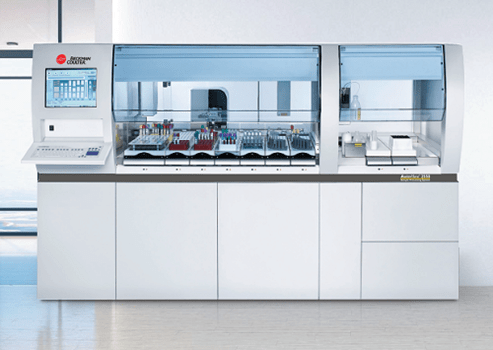
When you need to improve efficiency, turn to the AutoMate 2500 family of sample processing systems. The AutoMate 2500 family features Intelligent Sample Banking (ISB) software to deliver an automation system that fits your laboratory’s unique needs. The AutoMate family of sample processing systems allows you to streamline pre- and post-analytical processes to help you gain optimal performance and use of resources, eliminating steps between sample receipt and analysis. ISB enhances your automated solution by enabling you to build and manage a sample bank with maximum efficiency and security and increased control over sample traceability.
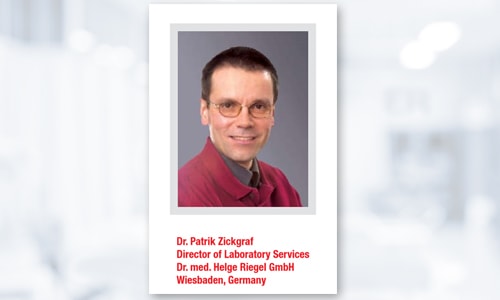
Discover how a leading university hospital laboratory was able to simplify workflow and help prevent operator confusion and mistakes with the AutoMate 2550.
DownloadAdvanced capabilities
Single point of entry
Tube inspection unit cap color recognition
Volume determination
Aliquoting*
Sorting to sample racks
When you need to improve lab efficiency, turn to the AutoMate 2500 Family for an automation system that fits your lab’s unique requirements.
Watch nowFind out how one laboratory reduced sample processing times and increased laboratory effectiveness with the AutoMate 1250 system.
DownloadDiscover how the AutoMate system streamlines pre- and post-analytical processes to speed test results and create greater workflow efficiencies in the laboratory.
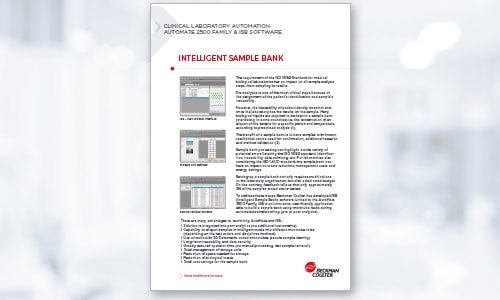
DownloadLearn about the importance of sample bank processing and how one laboratory gained greater traceability with ISB software.
Download
Throughput |
Sorting Rate:
Aliquotter*(1+1 aliquot):
|
Sample Container Sizes |
Processes tube sizes from 10.5-17 mm in diameter; 70-110 mm in height (with cap) |
Environmental Requirements |
Heat Output:
Room Temperature: 18-32°C (64-89°F) Relative Humidity: 40-80% non-condensing |
LIS Integration |
LIS Interface: Dynamic download or host query |
Weight |
|
We offer product training courses and guides to give you the skills and knowledge you need to operate your clinical laboratory instruments.
See all product training courses and guides ›
Select Tips & Tools to access helpful documents and information for your instrument.
Step 1: To access content such as job aids, checklists, In-Lab Training Manuals, etc., select the Tips & Tools link in the top left navigation
Step 2: Select the product name.
Step 3: You will be directed to the product page and access to the product-specific content.
Click here to access Tips & Tools